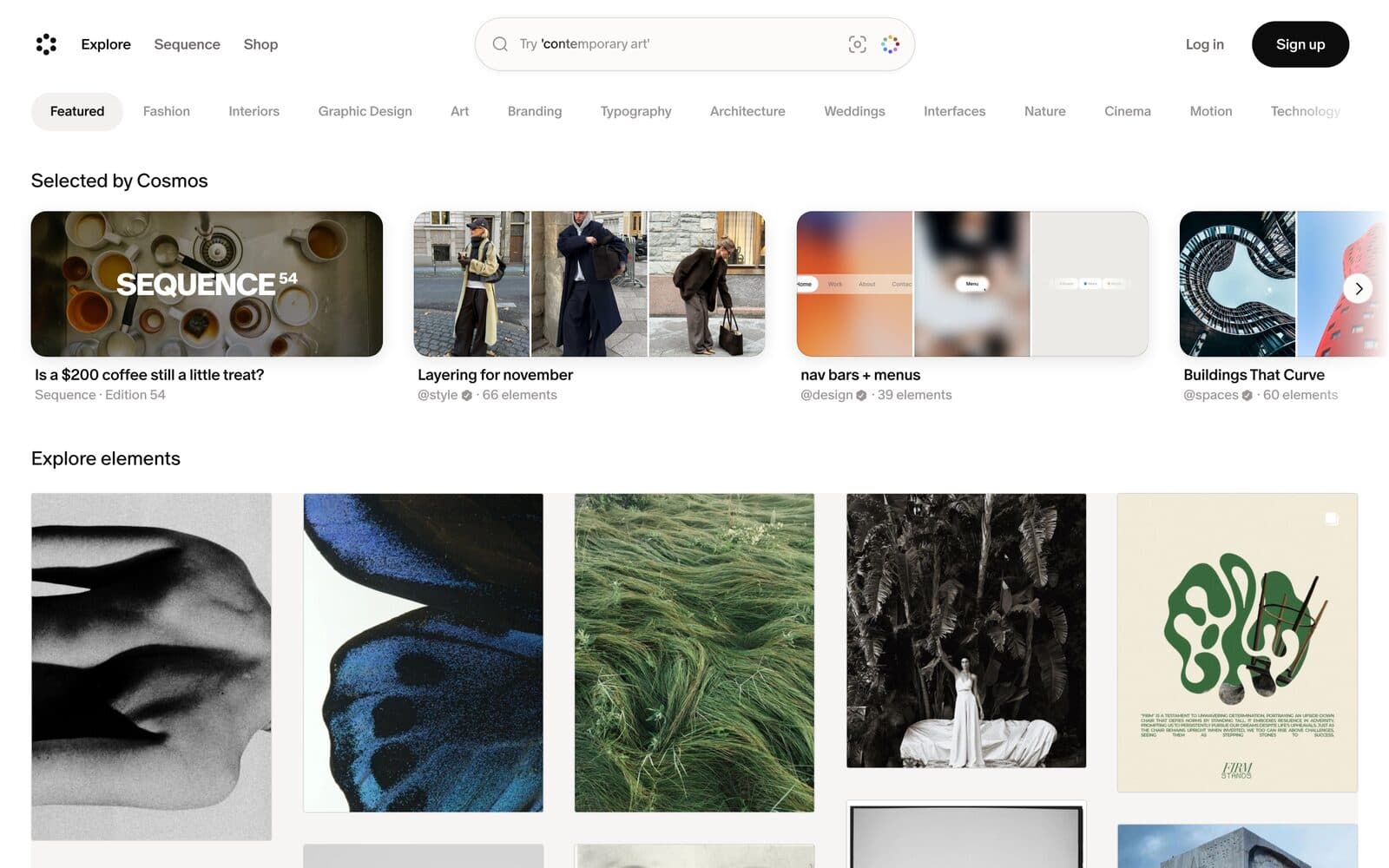
01 · References
Cosmos
A calmer place to collect references than Pinterest. You can blur or hide images flagged as AI-generated.
Use it for
Mood boards with no slop in them.
FreeToolkit 001
Ten free tools for texture, type, colour and motion, for work that feels made, not generated. Each one comes with a line on what we'd use it for.
01 · References
A calmer place to collect references than Pinterest. You can blur or hide images flagged as AI-generated.
Use it for
Mood boards with no slop in them.
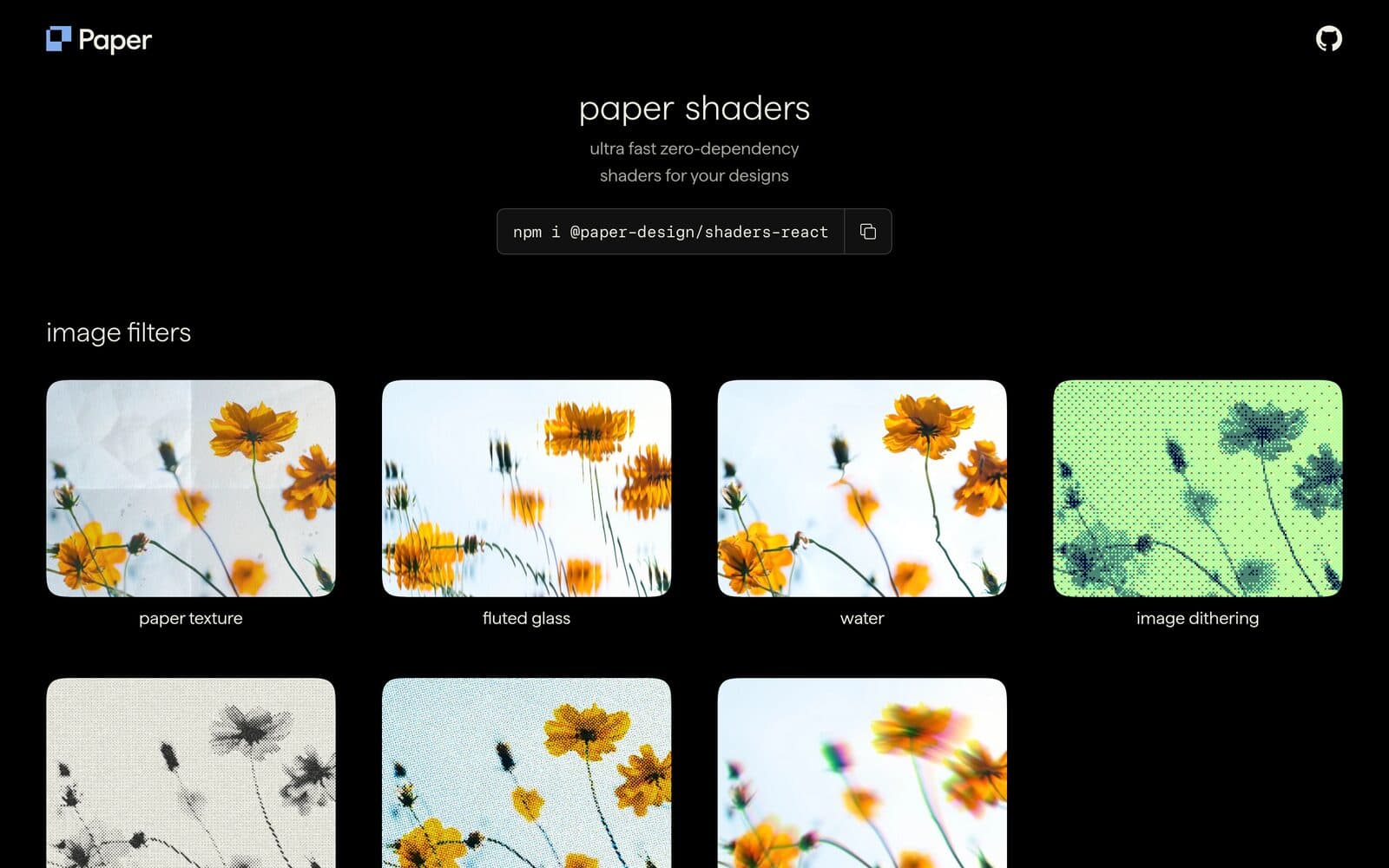
02 · Shaders
Open-source, zero-dependency shaders: grain, dithering, fluted glass, paper texture. Drop them into React or plain JS.
Use it for
Real texture, not a stock overlay.
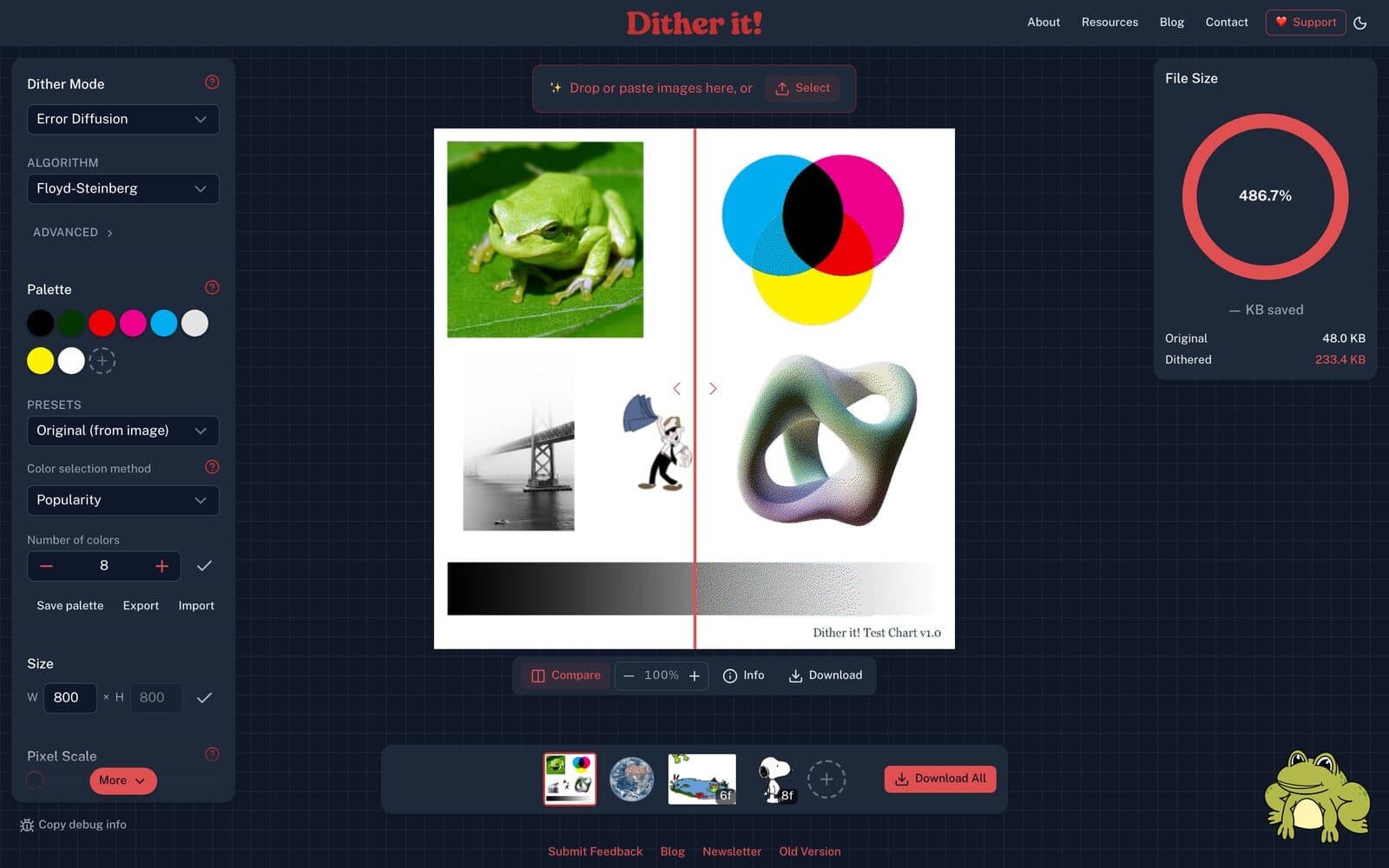
03 · Texture
Turns any image into a dithered, limited-palette graphic, right in the browser.
Use it for
Instant print feel on a flat photo.
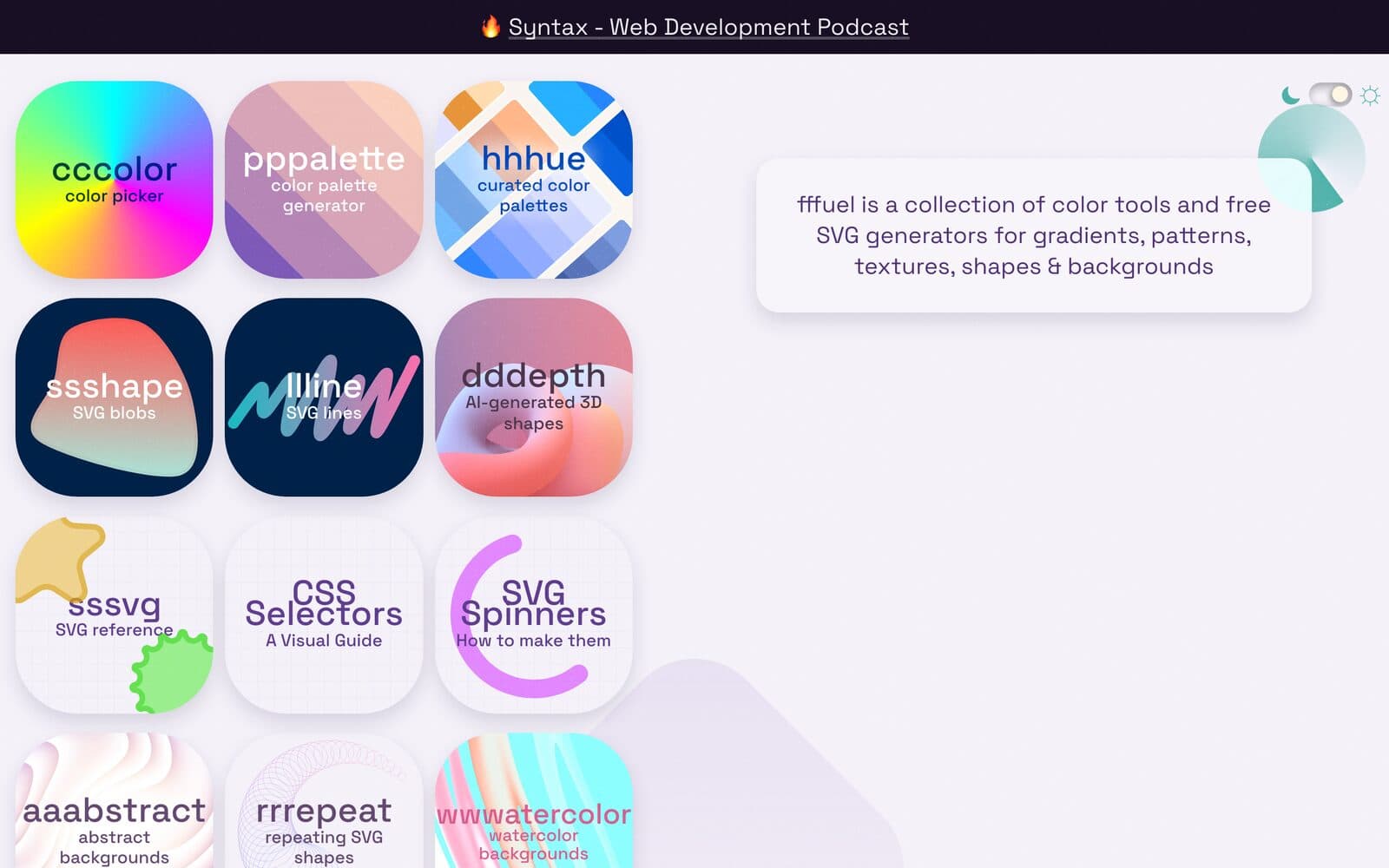
04 · Texture
A shelf of free SVG generators: grain, noise, grunge texture, fluid gradients, blobs.
Use it for
Try gggrain and tttexture first.
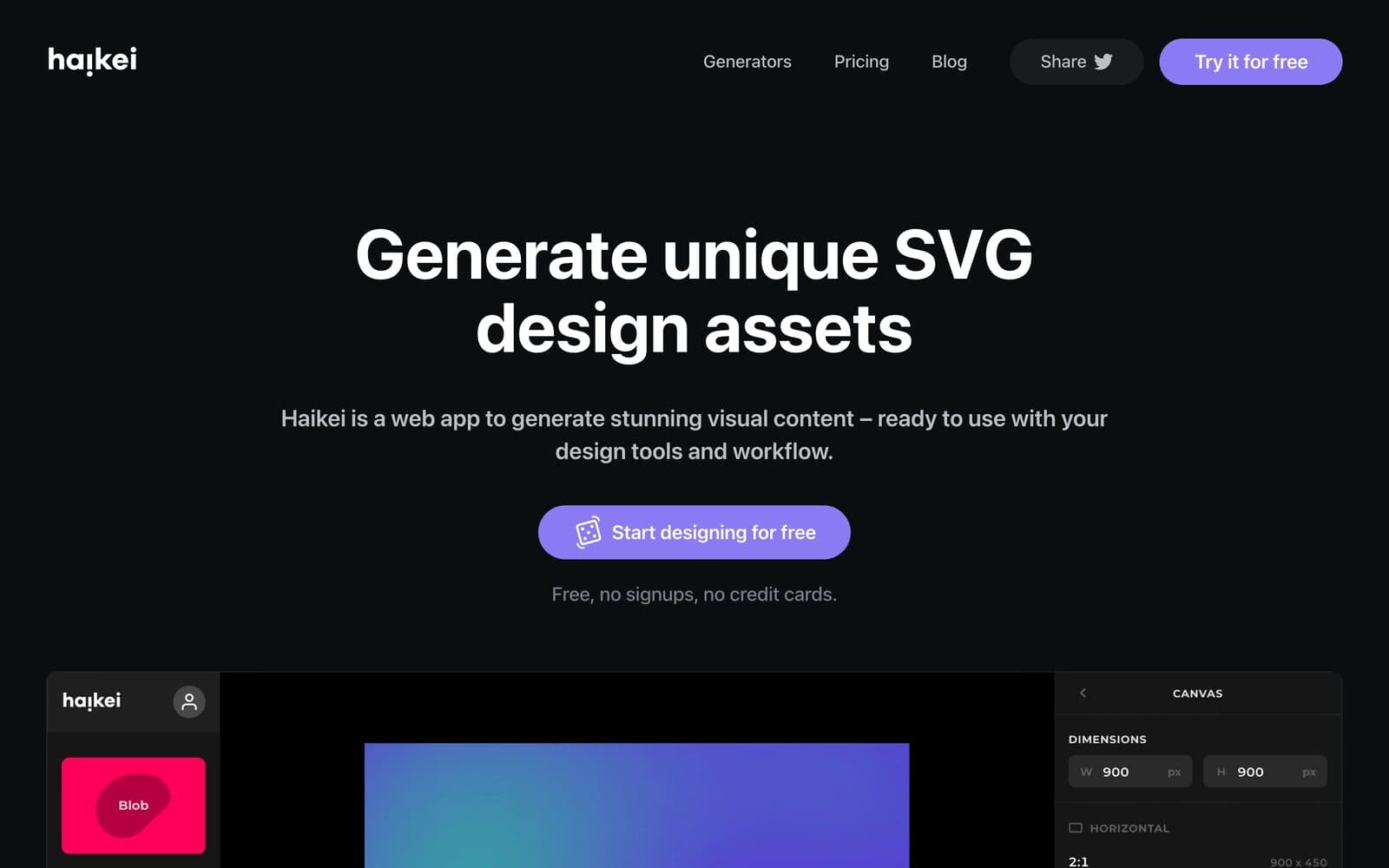
05 · Shapes
Generates SVG waves, blobs and layered shapes you can tweak and export. Free, no sign-up.
Use it for
Backgrounds no one else has.

06 · Type
Free typefaces from Indian Type Foundry, including Satoshi and Clash Display.
Use it for
Better than defaulting to Inter.
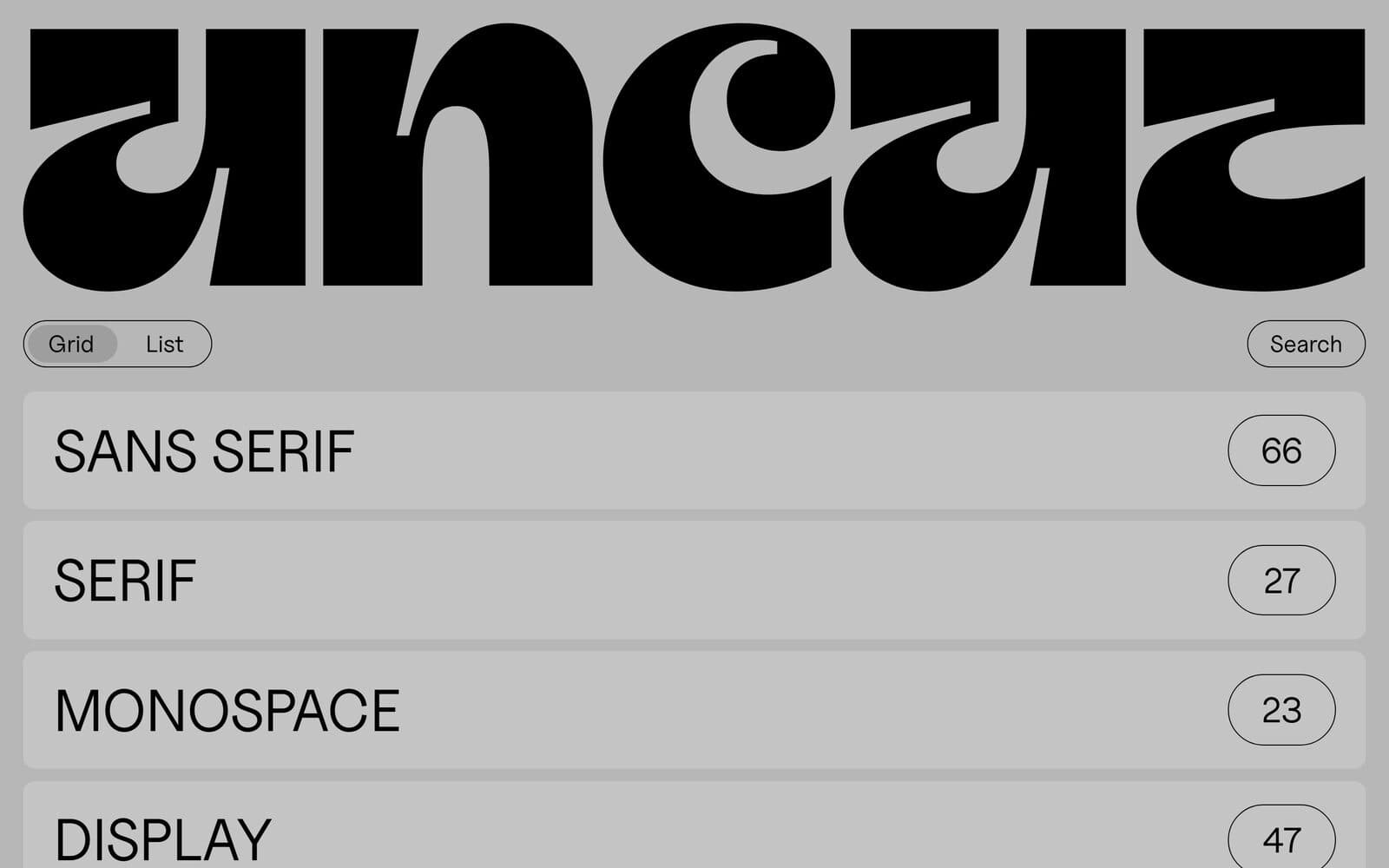
07 · Type
A curated catalogue of free, contemporary typefaces from independent designers.
Use it for
Finding a face with character. Check each font's licence.
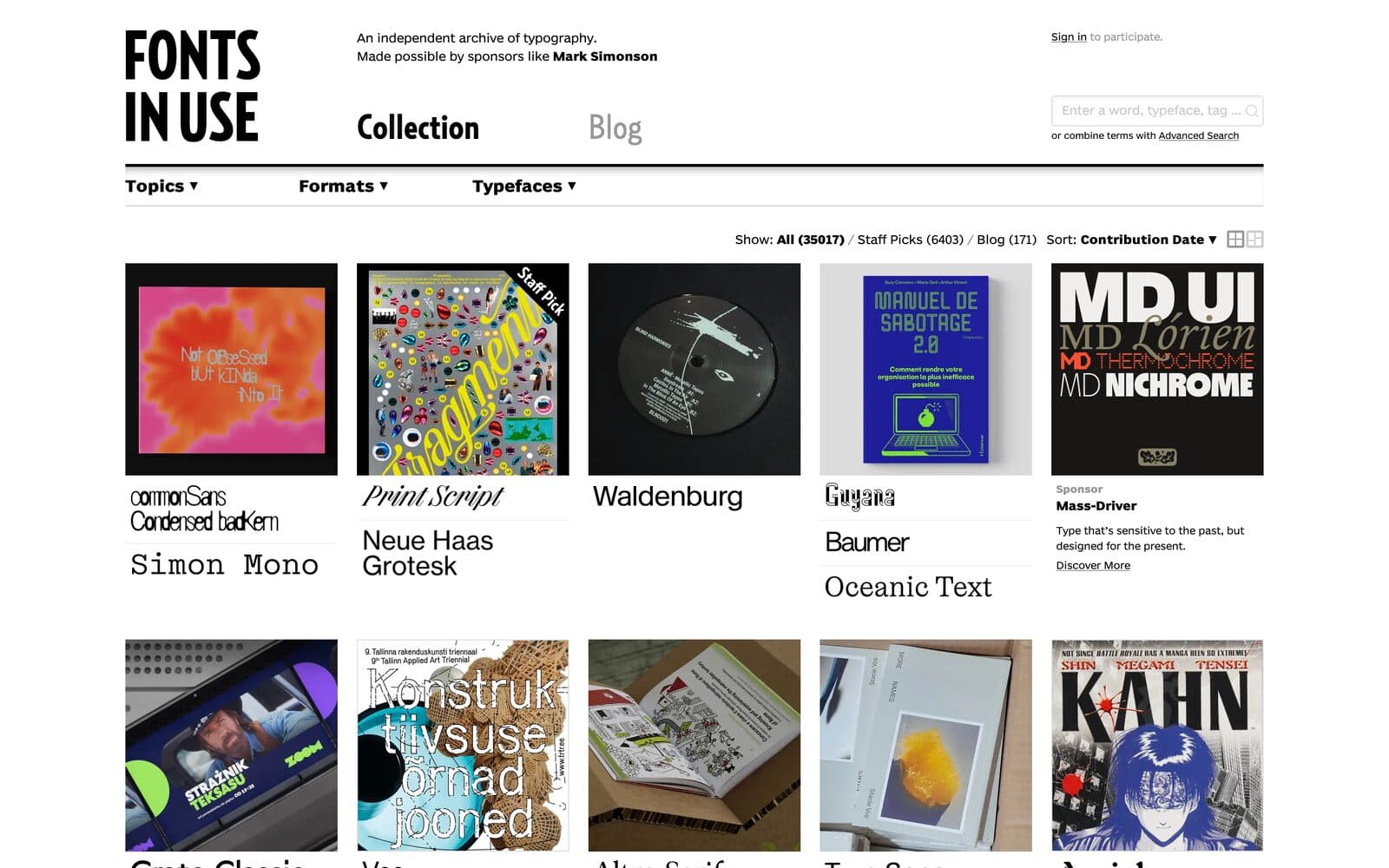
08 · Type
An independent archive of typography on real posters, books, brands and sites.
Use it for
Seeing a font in the wild before you pick it.
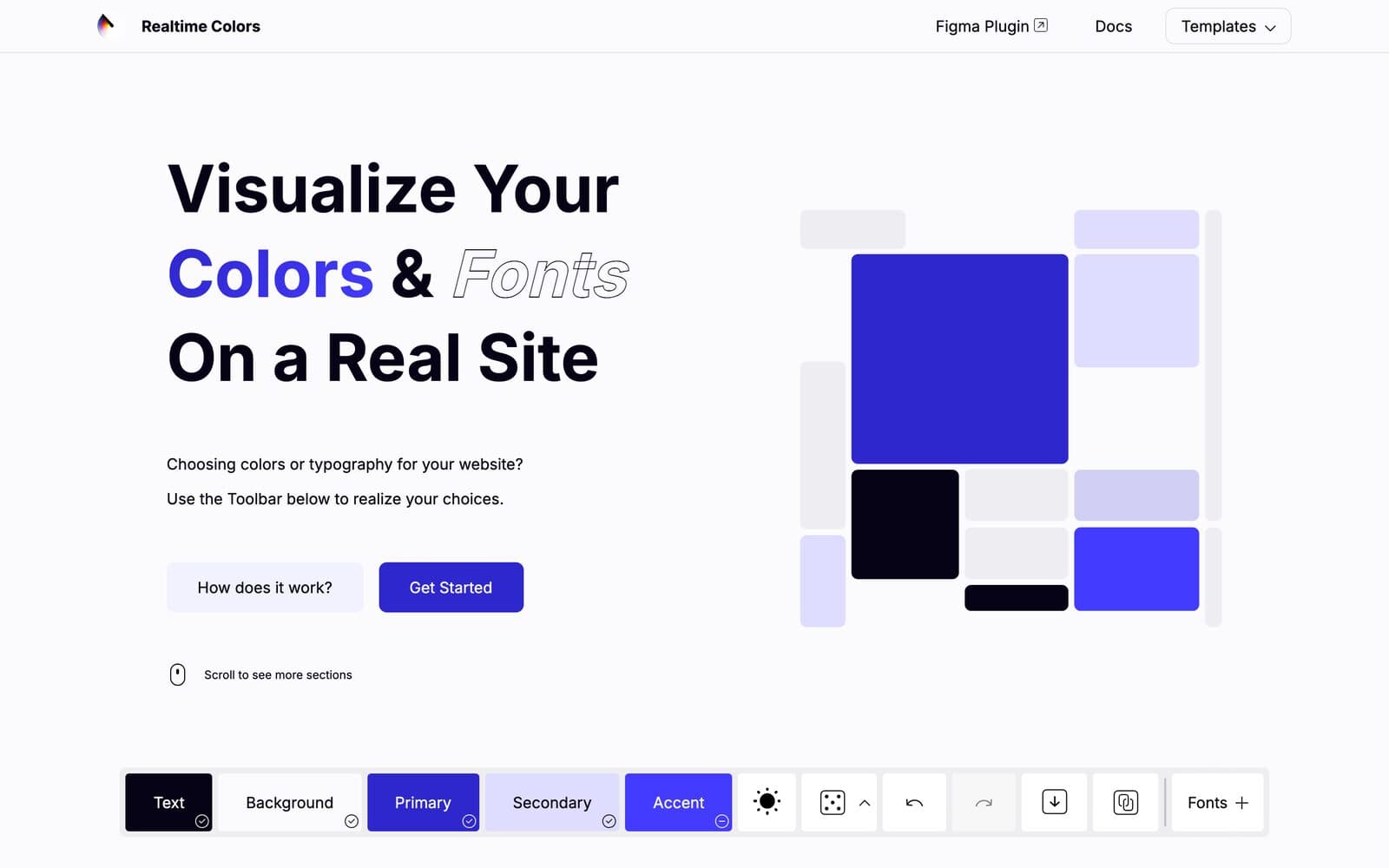
09 · Colour
Tests a palette and font pairing on a real page layout before you commit.
Use it for
Killing the 'looked fine in the swatch' problem.
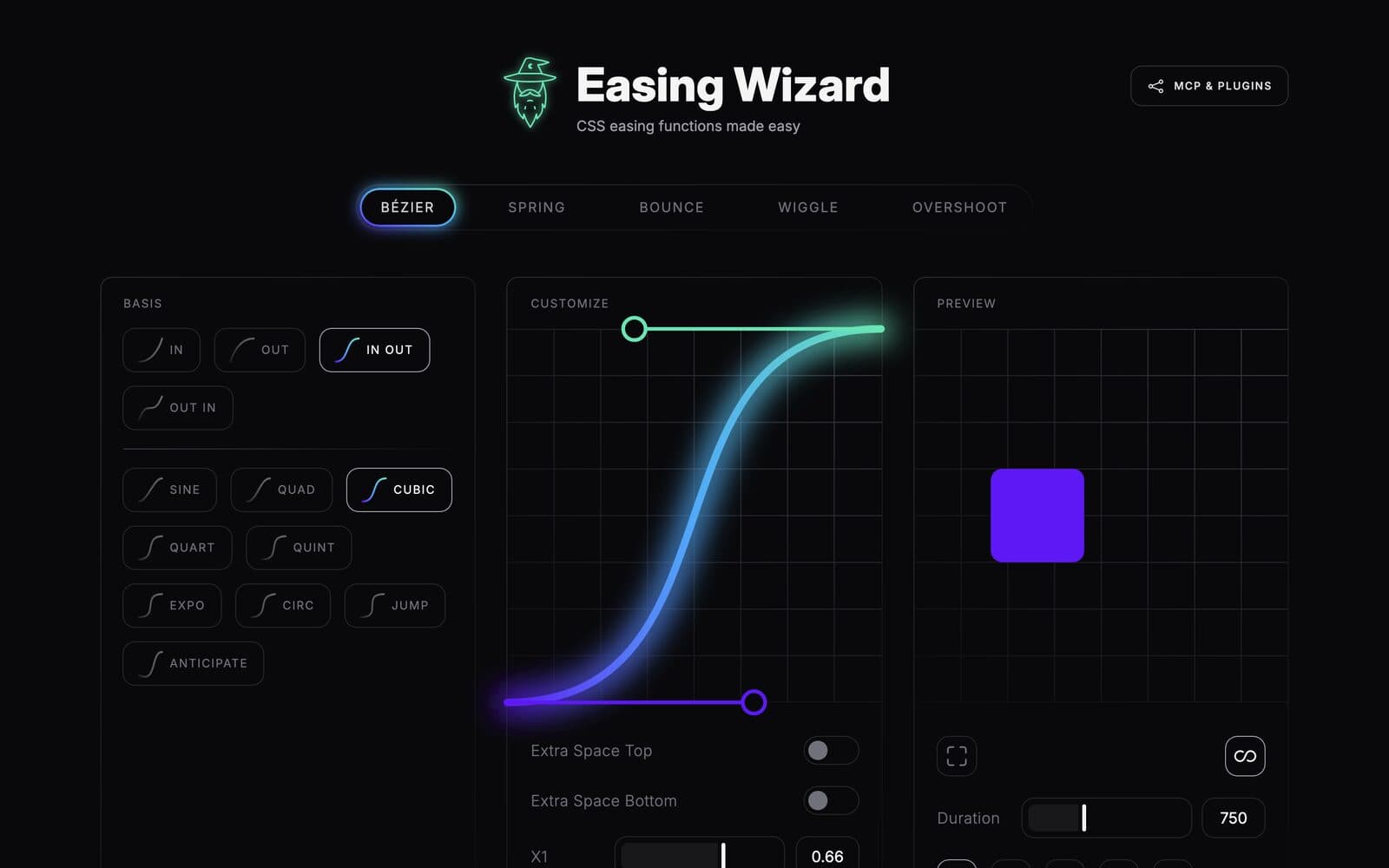
10 · Motion
Design CSS easing curves visually, from bezier to spring, bounce and overshoot.
Use it for
Motion that feels physical, not default.
Made by Craefto
We're a design and technology studio in Sydney. We make brand identities, websites and the systems behind them. If this is your taste, you'll like the rest of our work.